On this page
Updated November 17, 2026: Release Candidate 1 is out, so the feature list below is now frozen. I’ve also corrected two items that did not make the betas.
WordPress 7.2 is the last major release of 2026. It is not a flashy one, but it changes things you will notice every week: how teams leave feedback, how images get processed, how the admin loads, and what a fresh WordPress install looks like.
This guide covers what is coming, what is not, and what to check before you press update.
Quick answer: WordPress 7.2 is scheduled for December 8, 2026. It brings better Notes for team reviews, a new minimal default theme called Ipsum, form and responsive styling in Global Styles, in-browser image processing, a lighter admin, a new /random/ URL and a Secrets API for credentials. Real-time collaboration and AI features are not part of this release.
WordPress 7.2 at a glance
- Notes: feedback sits next to the block it belongs to, with reactions and an open or resolved filter.
- Ipsum: a new, deliberately minimal default theme. It also ends the “Twenty-something” naming run.
- Design tools: form styling, text shadows and responsive gallery settings in Global Styles.
- Media: image sizes generated in the browser, animated GIF and WebP thumbnails, a redesigned media inserter.
- Admin: prefetched scripts, sharp SVG icons and a rebuilt post settings panel.
- /random/ links: a new URL that sends visitors to a random published post.
- Security: a Secrets API, HTML API hardening and an email alert when an application password is created.
When will WordPress 7.2 be released?
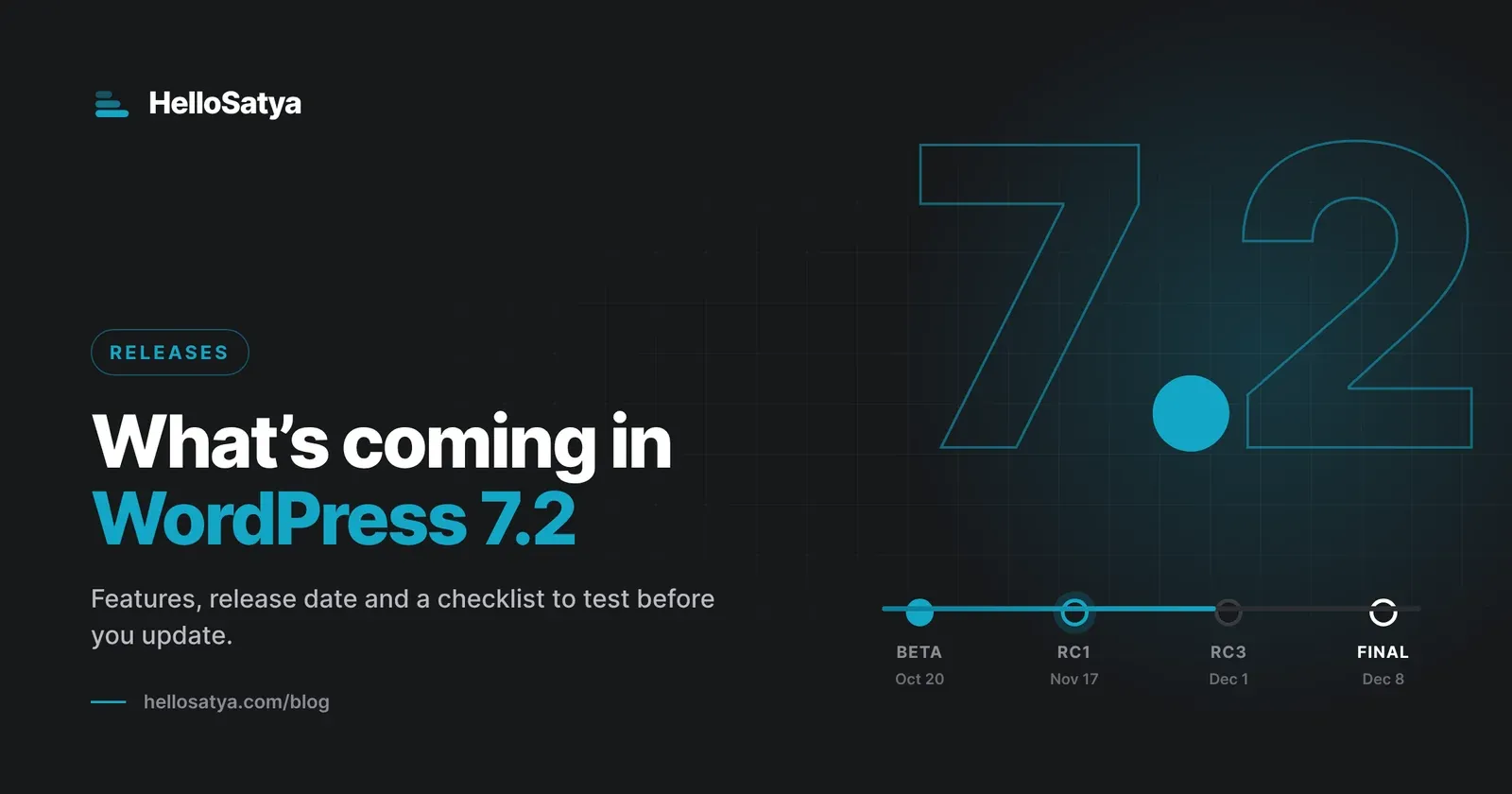
WordPress 7.2 is scheduled for December 8, 2026, at 15:00 UTC (8:30 pm in India). Five betas shipped between October 20 and November 10, and Release Candidate 1 arrived on November 17.
| Milestone | Date |
|---|---|
| Beta 1 | October 20, 2026 |
| Beta 5 | November 10, 2026 |
| Release Candidate 1 | November 17, 2026 |
| Release Candidate 2 | November 24, 2026 |
| Release Candidate 3 | December 1, 2026 |
| Dry run and code freeze | December 7, 2026 |
| Final release | December 8, 2026 |
Dates can still move if a serious bug turns up during the RC phase. Treat them as the plan, not a promise.
Notes are finally built for review work
Notes let you leave feedback on a block without touching the content itself. In 7.2 they become practical for anyone who writes with an editor, a client or a co-founder.
- Notes float in the editor canvas beside the block they refer to.
- The block settings sidebar and the Notes panel can stay open together.
- An Add Note button sits in the block toolbar, and long threads can be minimised.
- Reactions let you acknowledge a note without typing “done” again.
- The All Notes panel filters open and resolved notes.
Suggestion mode, where you propose an edit and someone accepts or rejects it, was the big goal on the 7.2 roadmap. Testers at InstaWP did not find it in the betas, so expect it in a later release.
Meet Ipsum, the new default theme
Ipsum is a minimal block theme meant as a blank canvas for blogs. It ships with style variations, patterns and templates, so it works as a clean starting point rather than a finished design.
Your current theme will not change when you update. Ipsum is simply installed and ready to try.
Design tools and Global Styles
For anyone who builds sites, this section removes a lot of small CSS workarounds.
- Form styling: buttons, text inputs and selects can be styled in Global Styles. Form plugins can still apply their own styles.
- Responsive gallery settings: columns, aspect ratio and crop per screen size, with an API other blocks can adopt.
- Text shadow is now in the Typography panel.
- Duotone presets: the testing guide lists site-wide duotone palettes under Styles.
- A Customised filter shows only the blocks that override your Global Styles, which makes audits much faster.
- Navigation menus can be managed from the Site Editor sidebar.
Media gets lighter on your server
Image sizes can now be generated in the browser using WebAssembly, from both the Media Library and the Add New screen. This works in Chromium-based browsers such as Chrome and Edge, and other browsers fall back to normal server processing.
- Animated GIF and WebP thumbnails keep their animation.
- A redesigned media inserter copes better with large libraries.
- Galleries get a “Use attached images” option and sorting.
Fewer editing paper cuts
The roadmap includes a broad sweep of small fixes in the block editor: selecting text, pasting content, dragging and dropping blocks, and editing on mobile. None of these will make headlines, but they are the interruptions you hit every day.
A quicker, clearer admin
- Admin scripts are no longer bundled together. WordPress prefetches what you will likely need next, so screens should feel faster.
- Dashicons in the admin bar and menu are replaced by sharp SVG icons.
- The post and page settings sidebar is rebuilt on the DataForm framework.
- Some editor error messages now include a copy button, which helps when you need to send them to support.
- An “On This Day” section returns to the dashboard Activity widget.
Check this before launch: the new /random/ URL
Visit yoursite.com/random/ on a 7.2 site and you land on a random published post. It also works for categories, tags and authors, and it uses a temporary 302 redirect, so search engines will not treat it as a page.
For blogs, it is a fun discovery feature. For business sites, it is worth a quick audit. A public custom post type that was never meant to be browsed could now be reached through it.
If you would rather switch it off, the testing guide gives this filter for a small plugin or your theme’s functions file:
add_filter( 'wp_enable_random_content_redirect', '__return_false' );Security and developer changes
- Secrets API: a standard place to store API keys and credentials, kept out of REST responses, logs and exports. A settings screen is planned for a later release.
- Application passwords: you now get an email when one is created on your account.
- HTML API hardening: safer, more standards-compliant parsing of markup.
- Interactivity API: a new
data-wp-htmldirective and router improvements, covered in the developer blog’s October roundup. - DataViews and DataForm: views, forms, fields and actions can now be registered on the server, so custom admin screens need less JavaScript.
- Site Editor extensibility: plugins can register their own screens and settings inside the Site Editor.
- Abilities API: WordPress registers more core abilities, which lets tools and AI agents discover what a site can do in a standard way.
- Script loading: if your plugin relied on bundled admin scripts, test it against RC1 now.
- Deprecations: several editor components (Divider, ResponsiveWrapper, Scrollable, ZStack, Elevation) are slated for removal in 7.4.
What is not in WordPress 7.2
Knowing what is not shipping saves a lot of confused emails. These come from the official roadmap and from testing the betas.
- Real-time collaboration: deliberately left off the 7.2 roadmap.
- AI features in core: work continues in the separate AI plugin and the MCP Adapter.
- Notes suggestion mode, the Table of Contents block and the Description List block: on the roadmap, but not in the betas.
- Sudo mode (asking you to log in again before sensitive actions): early work only.
- React 19: the roadmap called it unlikely for this release.
How to test WordPress 7.2 today
Testing is the most useful contribution most people can make, and it needs no code.
- WordPress Playground: open a throwaway 7.2 site in your browser from the official testing guide.
- WordPress Beta Tester plugin: on a staging site, go to Tools, then Beta Testing, choose
Bleeding edgeandBeta/RC Only, and update. - WP-CLI: run
wp core update --version=7.2-RC1on a local or staging copy.
Never test a release candidate on a live site. Use a staging copy.
Found a bug? Report core issues on WordPress Trac and editor issues on Gutenberg GitHub. The #core-test channel in Make WordPress Slack will help if you are unsure where it belongs.
A pre-update checklist for site owners
- Take a full backup of files and database.
- Update your plugins and theme first, and read their changelogs for 7.2 notes.
- Test 7.2 on a staging copy, not on the live site.
- Click through forms, checkout, menus, galleries and anything custom.
- Decide whether
/random/should stay on for your site. - Update the live site at a quiet hour, and keep the backup for a few days.
If you manage client sites, send them a short note before December 8. Hearing about Notes and the new design tools from you beats discovering them alone.
Get involved, even for an hour
I was credited as a core contributor on WordPress 6.5, and much of what counts as contribution is not code at all. It is testing, reporting and showing up.
If you have one hour this month, install RC1, run through your normal workflow and report what feels off. You can also join the WordPress 7.2 release party and watch a release ship live.
Frequently asked questions
When is WordPress 7.2 released?
WordPress 7.2 is scheduled for December 8, 2026, at 15:00 UTC. Release Candidate 1 came out on November 17, with two more release candidates planned before launch. The date can move if a serious bug appears.
Will WordPress 7.2 break my site?
Most sites will update without trouble. Test on staging first if you run custom plugins that touch admin scripts, custom gallery or icon styling, or code that filters HTML output.
Do I have to switch to the Ipsum theme?
No. Your active theme stays as it is. Ipsum is installed alongside it, so you can try it whenever you like.
Is real-time collaboration part of WordPress 7.2?
No. Collaborative editing was deliberately left out of 7.2. Notes get a large upgrade instead, while suggestion mode is expected in a later release.
Does WordPress 7.2 include AI features?
Not in core. AI work continues in the official AI plugin and the MCP Adapter plugin, which you can install separately if you want to try them.
Can I turn off the /random/ URL?
Yes. Add add_filter( 'wp_enable_random_content_redirect', '__return_false' ); in a small custom plugin or your theme’s functions file.
Want a second pair of eyes on your site before December 8? Tell me about it and I’ll reply myself with what I would test first.
GutenbergWordPressWordPress 7.2WordPress releases

Written by
Satyam Vishwakarma founded HelloSatya and does the client work himself. He is a WordPress 6.5 core contributor, a WordPress Photo Directory moderator, the developer of two plugins on WordPress.org and a co-organiser of WordCamp Kolhapur 2026.
Leave a comment